Your tutor's lecture, open at the right page.
The lecture, the course book and real past-paper questions on one screen. Tap a passage and the lecture plays the moment it's explained.

- Tap any passage in your book.
- Your tutor's lecture jumps to that moment and explains it.
- The past-paper question on it is right there.
- Your turn. Tap any part of the book.
Three panes, one course
Open one, two or all three side by side. On a phone, one at a time.
The book
Your tutor's course book, in full. Point at a passage to watch it explained, or to practise it.
The lecture
Your tutor's recorded lecture, in clips. Each clip has an In the book button that opens the page it teaches.
The questions
Real past-paper questions on the part you're studying. They follow the clip that's playing.
Powered by research. People learn more when an explanation and the material it explains are shown together, close in space and in time, instead of apart.
Ginns, P. (2006). Integrating information: A meta-analysis of the spatial contiguity and temporal contiguity effects. Learning and Instruction, 16(6), 511–525. https://doi.org/10.1016/j.learninstruc.2006.10.001
Stuck on a question? Your tutor already explained it.
Point at a past-paper question and Klaro shows where your own tutor explains it: the moment in the lecture, next to the page in your book.
About practice questions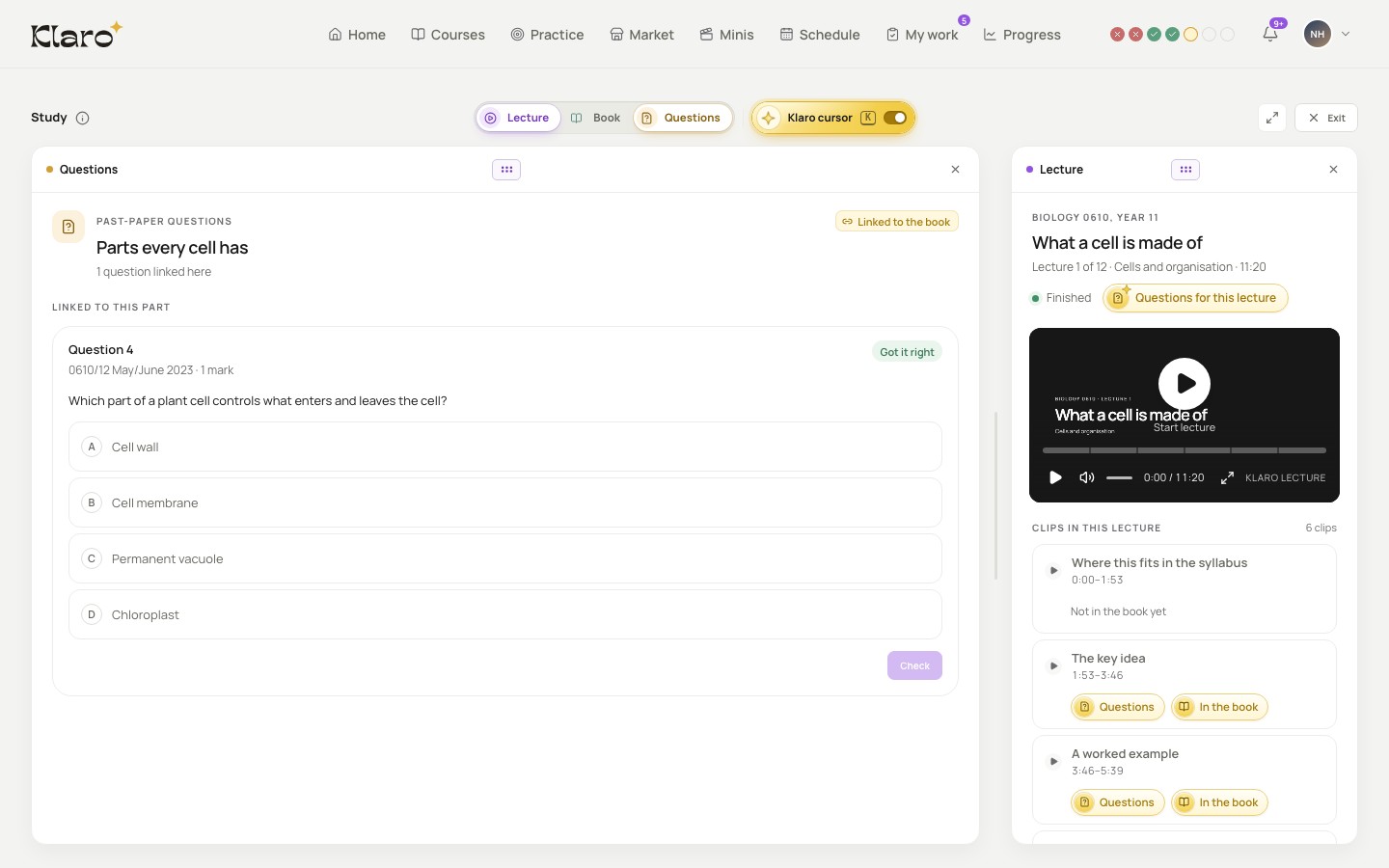
- Stuck on a question? Point at it.
- Klaro shows where your own tutor explained it.
- Your own tutor's explanation. Not a random video.
-
Pick up where you stopped
Klaro keeps your place in every lecture. Open the course and carry on from the minute you left.
About progress -
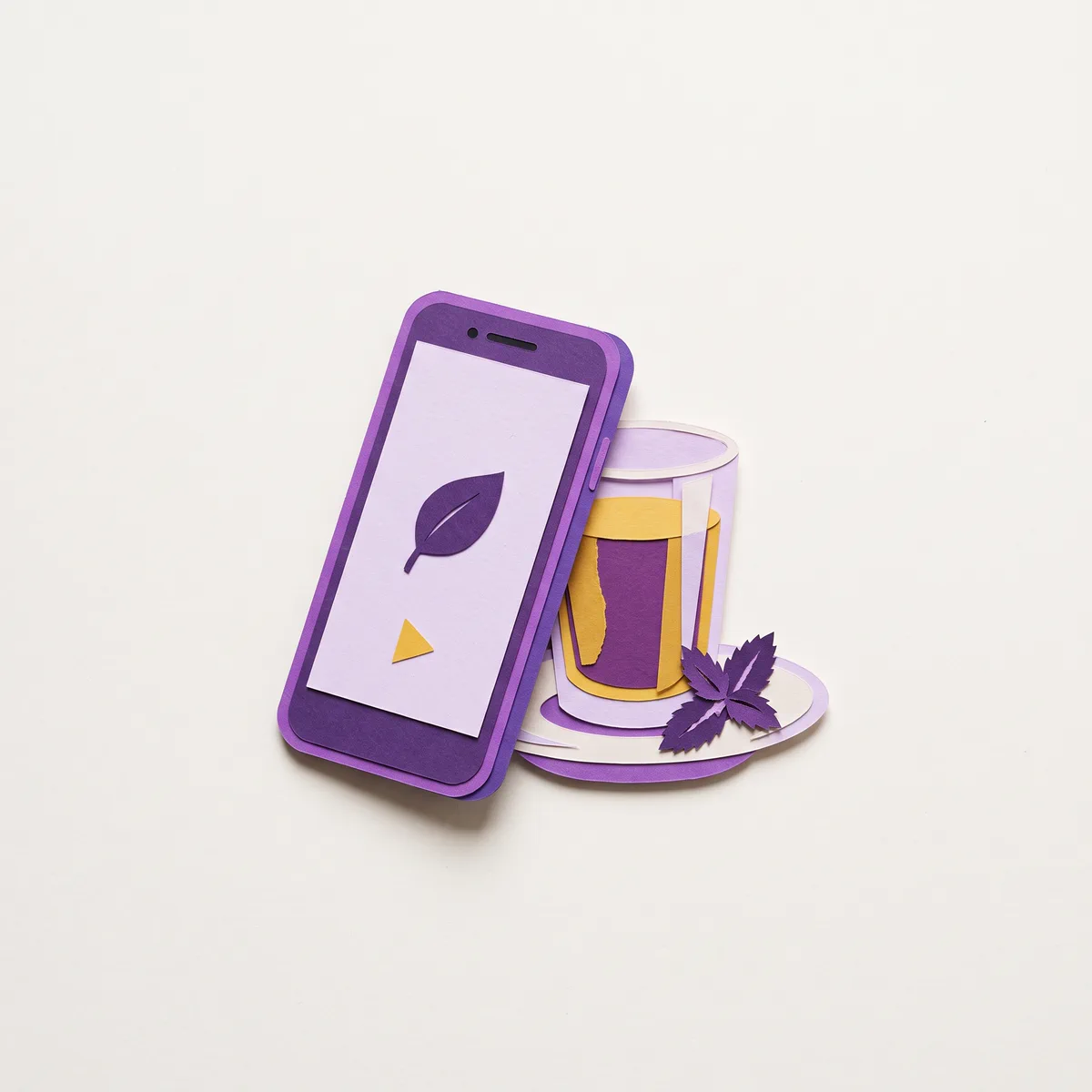
On your phone, one pane at a time
The study view works on a phone too. Tap a link to the book or the lecture, and Klaro switches to that pane.
Revise on your phone with minis
Questions students ask
From your tutor's own course: their recorded lectures, their book and questions from real past papers. Klaro links them to each other: lecture clips to the pages they explain, and questions to both.
No, so the page never moves under your eyes. A clip's In the book button opens the page it teaches, and the questions follow the clip that's playing.
Yes. Try it opens a sample Biology course in your browser, with no account needed. To study your tutor's course, create an account and join with the code your tutor gives you.
Your tutor's explanation. Not a guess.
Tap a passage and your tutor's lecture plays the moment it's explained. The past-paper questions on it are right there.
Create your account, then join with the code your tutor gives you.