
Schedule a live class. Klaro sets up the rest.
Pick the course, the time and how long it runs, and Klaro sets up the Zoom meeting. Afterwards, the recording lands in your course, cut into clips linked to your book.
Teach on Zoom, and the recording lands in your course
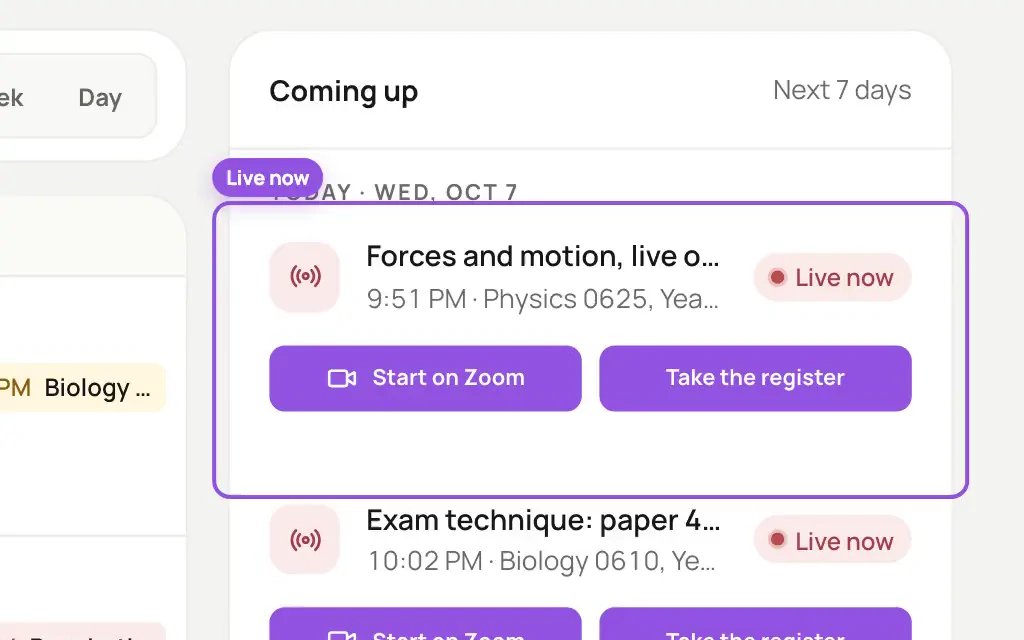
Your class sits on your teaching calendar, next to your quizzes and homework, and you start it on Zoom from there. Afterwards, the recording is cut into clips, each one linked to the part of your book you explained.
What your students see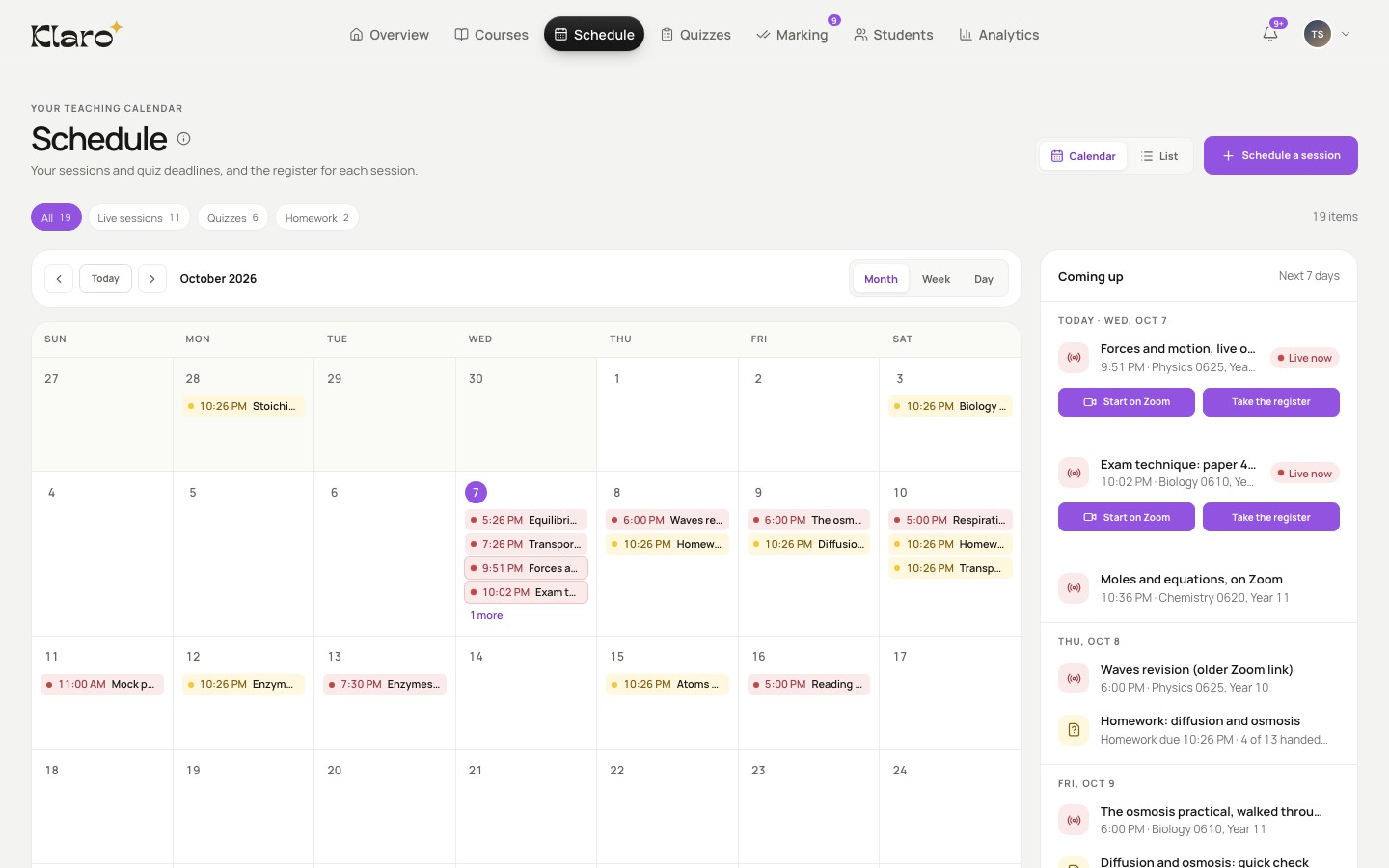
- Your live class is on your schedule. Start it on Zoom from here.
- Afterwards, the recording lands in your course…
- …cut into clips, each one linked to your book.
- One tap on “In the book” and the book opens at the part you explained.
From the calendar to the course
No links to send, and nothing to copy between apps.
When you schedule it
The meeting is made for you
Klaro creates the Zoom meeting as you save. The class appears on your students' schedule and home page.
30 minutes before
Your students are reminded
Everyone in the course gets a reminder in Klaro that the class is about to start.
At class time
Start, join, present
You press Start on Zoom. Your students press Join, and joining marks them present.
Afterwards
The recording, in clips
The recording lands in your course, cut into clips linked to your book. You keep the last word on the register.
Questions about live classes
No. Klaro creates the Zoom meeting when you save the class. Your students press Join in Klaro, and only students in that course get the button.
From 15 minutes before the start until 30 minutes after it. Everyone in the course gets a reminder in Klaro 30 minutes before.
Call it off. It stays on the schedule, marked as cancelled, and your students get a notice in Klaro.
Yes. Schedule the class as in person, with its room. It sits on the same schedule, and your students can check themselves in.
Schedule the class. Nothing to send.
We don't make content. We connect yours.
Klaro is in beta. Free to try.